


PLATFORM GUIDES

Oopbuy Spreadsheet
Narrow down products by category and brand in this directory first, then open the listing you picked on Oopbuy to buy it.
Browse Oopbuy product links selected by Litbuy Spreadsheet. Open product details for listing prices, product photos and available QC images before buying.
What is the Oopbuy spreadsheet?
Litbuy Spreadsheet works as a Oopbuy spreadsheet: every find links straight to its Oopbuy page, next to listing prices, product photos and QC images, so you can compare before you order.
See every find in the spreadsheet →- Listing prices
- Detailed photos
- With QC photos
- Buy with Oopbuy
Popular Oopbuy finds
A few picks from the Litbuy Spreadsheet spreadsheet. Each one opens directly on Oopbuy.
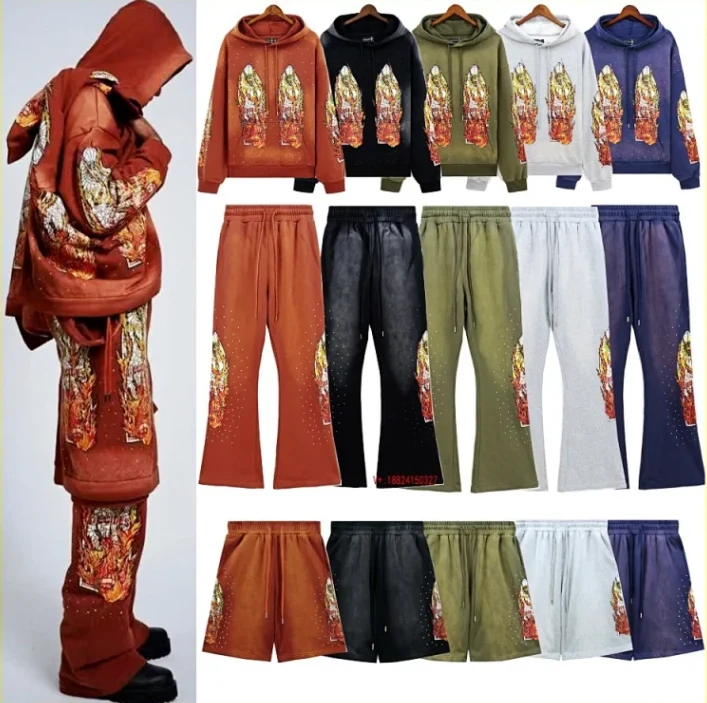 5 QC
Window Motifs and Graphic Separates by Who Decides War
CN¥89.00Oopbuy
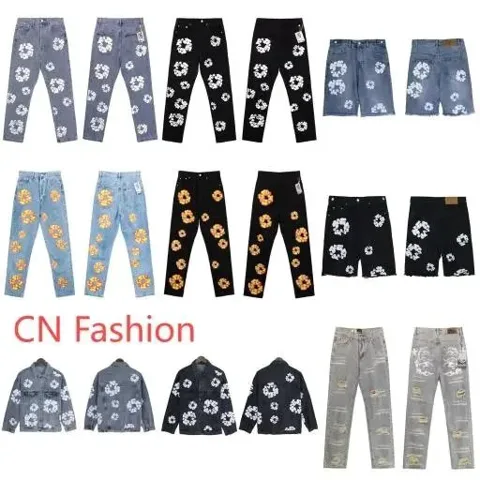 48 QC
Wreath Graphic Denim Jackets, Jeans and Raw-Edge Shorts
CN¥158.00Oopbuy
 12 QC
Dior Sweatshirts and Hoodies with Varied Chest Logo Designs
CN¥118.00Oopbuy
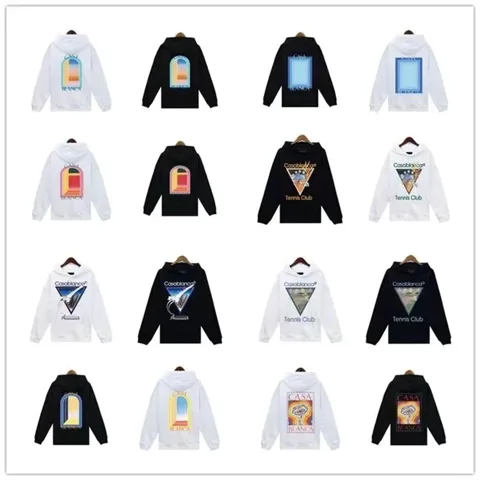 12 QC
Casablanca Black and White Hoodies with Art-Inspired Prints
CN¥109.00Oopbuy
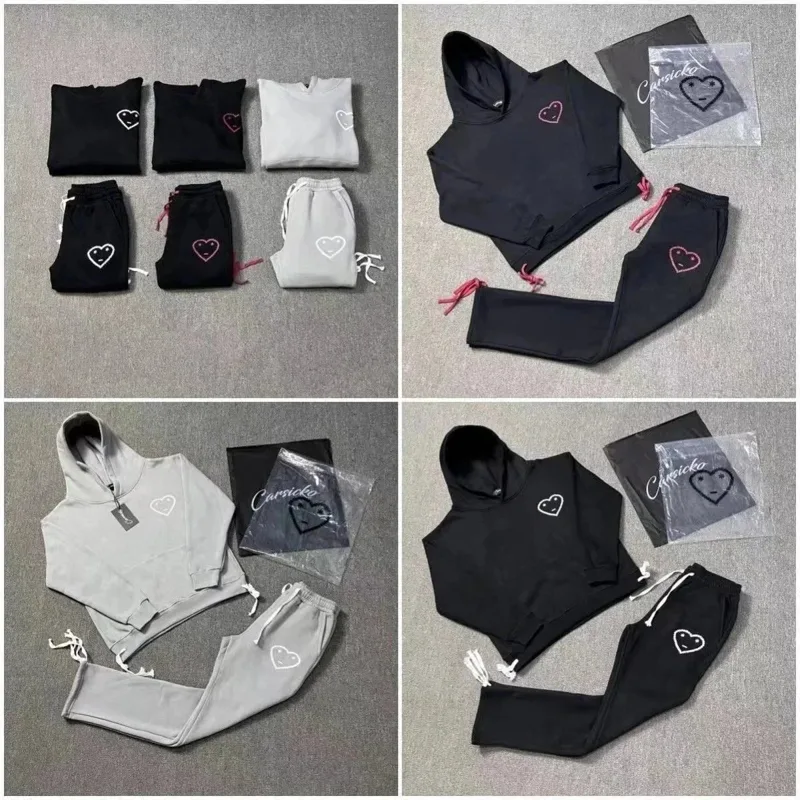 15 QC
Carsicko Heart Graphic Hoodies and Trousers
CN¥178.00Oopbuy
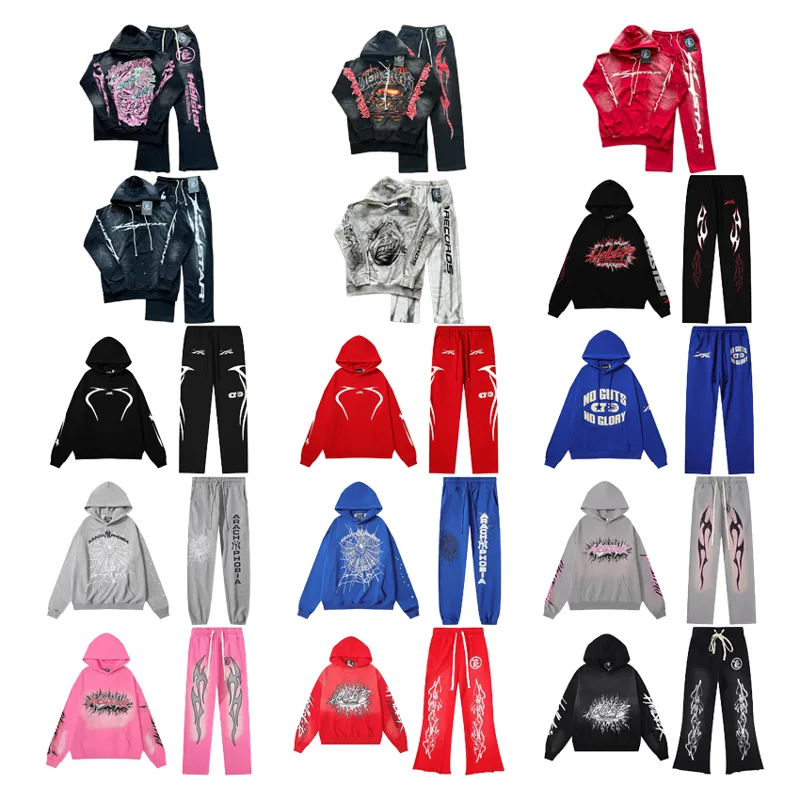 12 QC
Hellstar Two-Piece Set: Hoodie and Sweatpants With Flame Prints
CN¥280.00Oopbuy
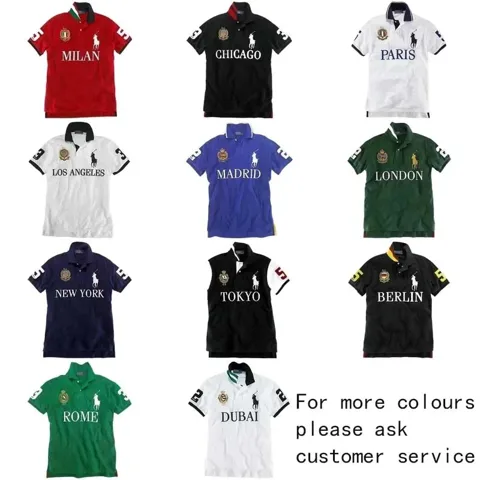 51 QC
Polo Ralph Lauren City Polo with Jersey-Style Numbers and Crest
CN¥139.00Oopbuy
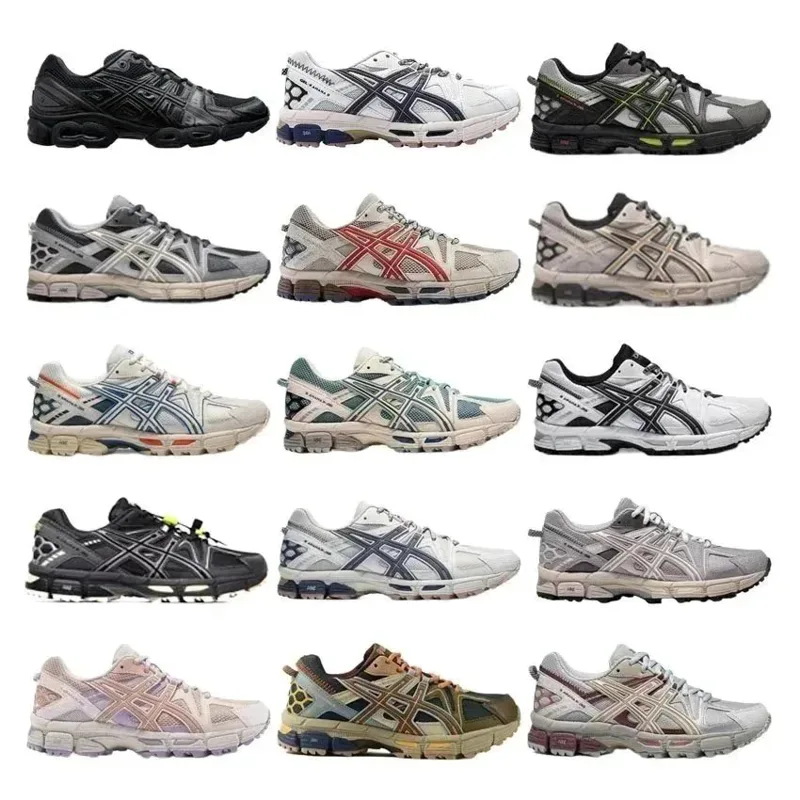 12 QC
Asics Gel-Kahana 8 Trail-Style Sneakers with Layered Side Stripes
CN¥220.00Oopbuy
Oopbuy QC photos
Shopping agents such as Oopbuy usually photograph your item at their warehouse before it ships. Compare those QC photos with the product photos and buyer QC sets on Litbuy Spreadsheet to check colour, logos and size.
Browse QC photos →How to buy with Oopbuy
Pick a find below and check its photos, listing price and QC images.
Open its Oopbuy link, sign in and choose the same style and size.
Oopbuy buys the item and receives it at its warehouse, where QC photos are usually taken before shipping.
Combine your items into one parcel, choose a shipping line and pay for delivery.
About Oopbuy
Narrow down products by category and brand in this directory first, then open the listing you picked on Oopbuy to buy it.
Oopbuy has its own product search, but searching a whole marketplace for a style you only half remember takes time. This page lists the products in our directory that can be ordered through Oopbuy, so you can narrow them down by category or brand first and compare their photos, reference prices and, where we have them, QC photos. When you have decided, the Oopbuy button opens the original listing on Oopbuy. From there Oopbuy's workflow takes over: you pay for the order, Oopbuy purchases the item and receives it at its warehouse, and you can review the inspection information before packing. The prices here are the seller's listing prices, shown as a reference in your chosen currency. International shipping is a separate step, paid when you send the parcel, and Oopbuy's warehouse check is a visual reference rather than proof of authenticity. Check current fees and routes with Oopbuy before paying.
Oopbuy spreadsheet FAQ
How do I use the Oopbuy spreadsheet?
Search or browse the Litbuy Spreadsheet spreadsheet, open a find and use its Oopbuy link. Confirm the same style and size on Oopbuy before you pay.
Where can I see Oopbuy QC photos?
Once your item reaches the Oopbuy warehouse, its QC photos usually appear in your Oopbuy account. Before ordering, compare the buyer QC photos collected on Litbuy Spreadsheet.
Is Litbuy Spreadsheet part of Oopbuy?
No. Litbuy Spreadsheet is an independent spreadsheet. Product links open on Oopbuy, which handles orders, payment, warehouse checks and shipping.
This is an independent resource. Confirm product options, fees and shipping with the buying platform. Prices come from seller listings; available QC photos do not guarantee future orders.


